Annual Subscription

✳︎

$1,100

✳︎

60+ Hours of Video Content

✳︎

Annual Subscription ✳︎ $1,100 ✳︎ 60+ Hours of Video Content ✳︎
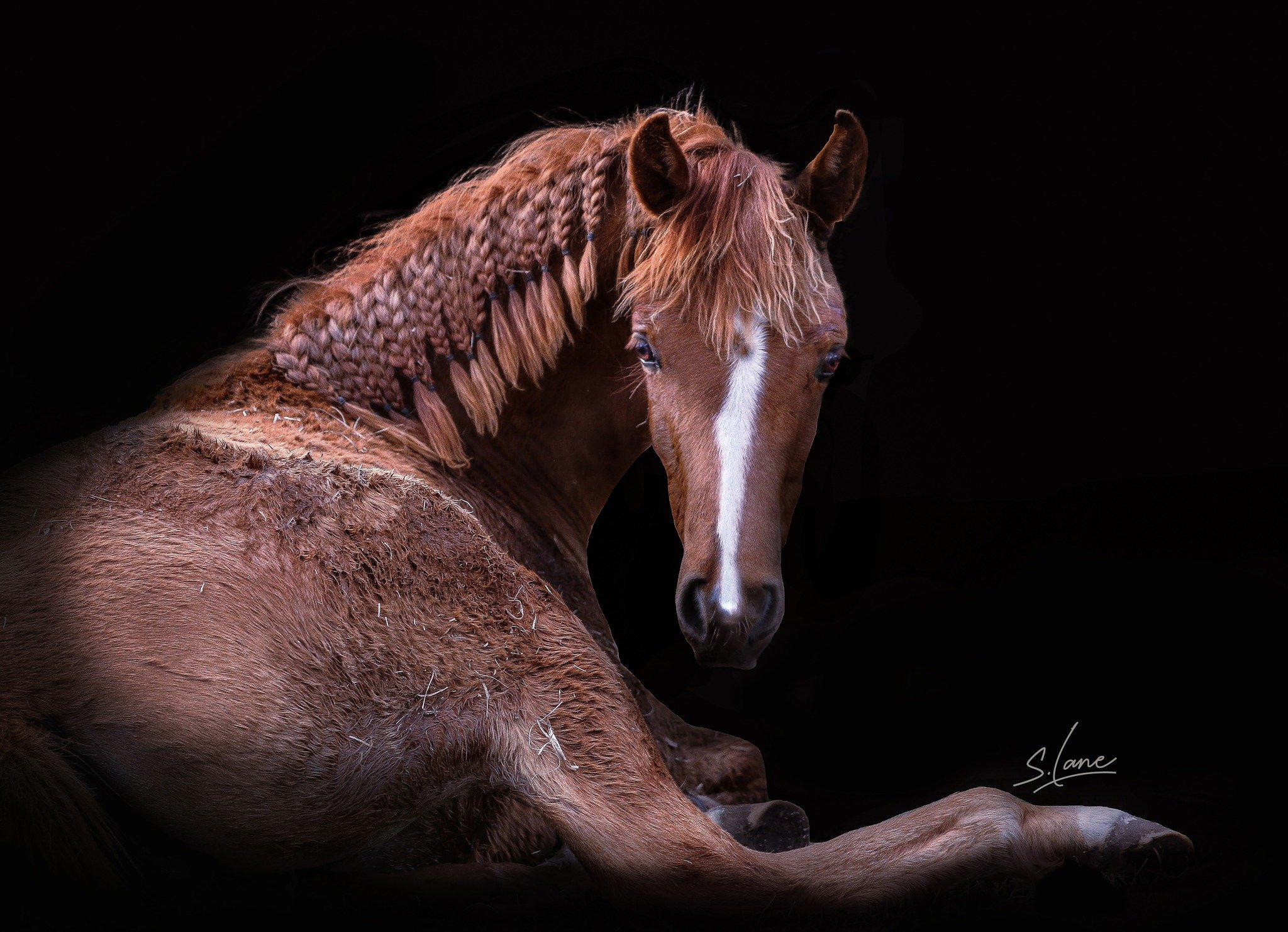
The introductory video offers a palatable, yet information-dense gateway for beginners to gain a confident working knowledge of Photoshop. The full tutorial options address a wide variety of challenges that equine photographers are faced with, providing an array of solutions- both in shooting technique and editing methods.

Lane Equine Photography is now releasing editing courses to the public for the first time. Narrated by Sarah Lane, each tutorial is equipped with full visual demonstrations, offering a detailed approach to all learning types. Original images accompany all downloads, allowing for a full follow-along.

Equine photoshop COURSES

The series is rich in session diversity, presenting step by step approaches into achieving distinctive finished work across any scenario. Step confidently into Photoshop as a sole editing platform and open your future to creative solutions.

Introduction to Photoshop
$10.00

Prepare for all tutorials to come and experience a smooth segue into the Photoshop platform as Sarah Lane introduces and demonstrates primary tools, how to adjust exposure levels through curve layers, the beginning steps of halter removal, the features of the camera raw filter, and more.

Featured Products

Halter Removal
$25.00

Learn how to remove halters quickly while maintaining seamless hair patterning using a small collection of Photoshop refinement tools.

Camera Raw Filters
$75.00

Dive into the camera raw filter to correct skin tones, adjust exposure levels and textures across layers, dehaze highlights, and more.

Editing Complex Subjects Against Complex Backgrounds
$250.00

While the most advanced tutorial available by Lane Equine, this editing session is presented in a beginner-friendly manner as image layers are identified and refined. With a heavy focus on the masking tool, master your brushwork and attention to detail as you learn to change textures and colours across multiple layers of a heavy and complex image- not only highlighting the focal points, but celebrating every portion of the scene that makes it so incredibly unique.

Batch Editing in Photoshop
$150.00

Instead of presets in Lightroom, learn how to batch edit a gallery of 20 images in detail- all within a two hour time frame using camera raw filters and a number of editing time savers. Improve your turn times and open your books for more customers! This session focuses upon the healing brush tool in smoothing bra lines and cleansing backgrounds, the sponge tool for quick color corrections, color grading, general adjustments, and export organisation.

Editing Golden Hour Images
$150.00

Learn a variety of methods geared towards adjusting and correcting exposure levels, how to manipulate contrast and haze to transform environments into softer ethereal scenes, and how to color correct a flat golden hour image into a richly, bold piece of finished work.